







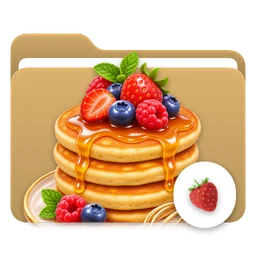
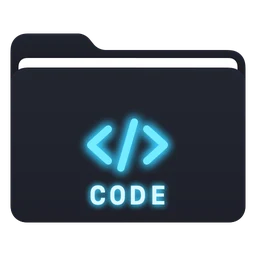


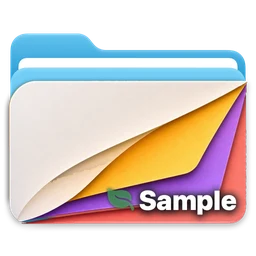
FOLDER ICONS FOR MAC & WINDOWS

Foldsmith

Foldsmith — Folder icon maker for Mac and Windows

Right-click in Finder
and make the icon your own.

Foldsmith lets you make your own folder icons, then apply them right from the right-click menu in Finder (Mac) and File Explorer (Windows). On Mac, it can change file icons too.

Download on the Mac App StoreGet it from Microsoft

Works on Mac and Windows

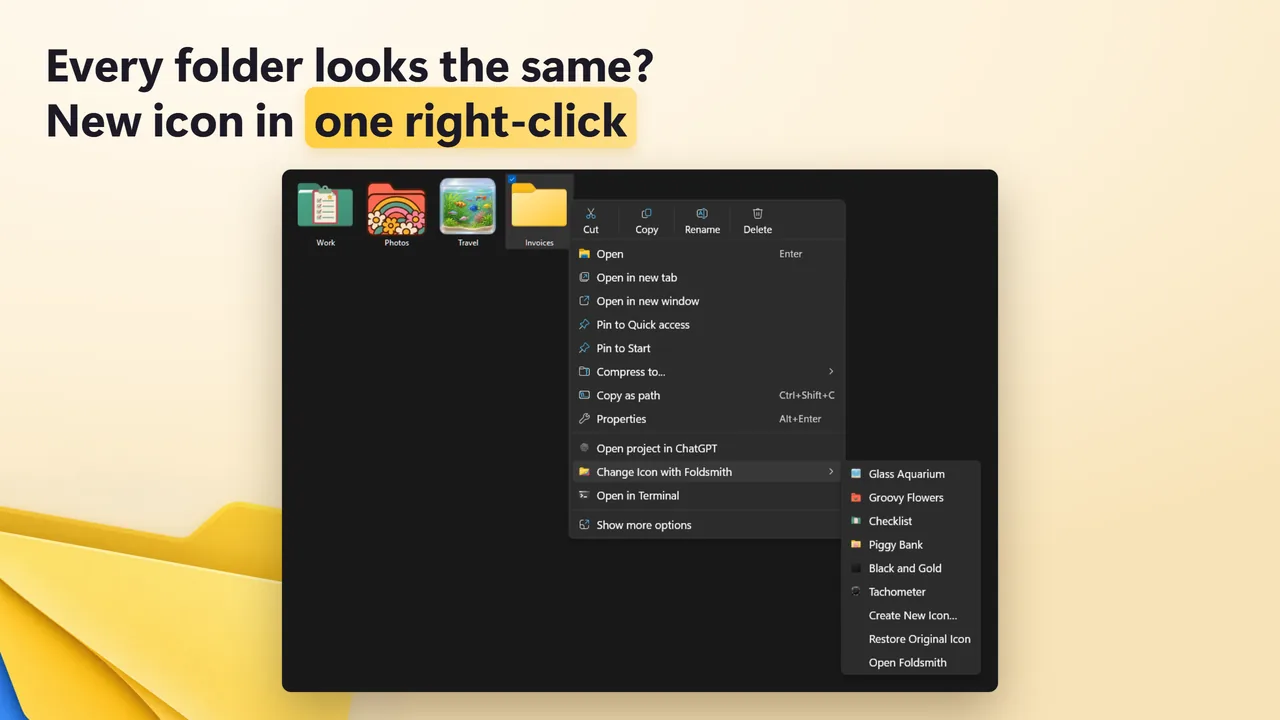
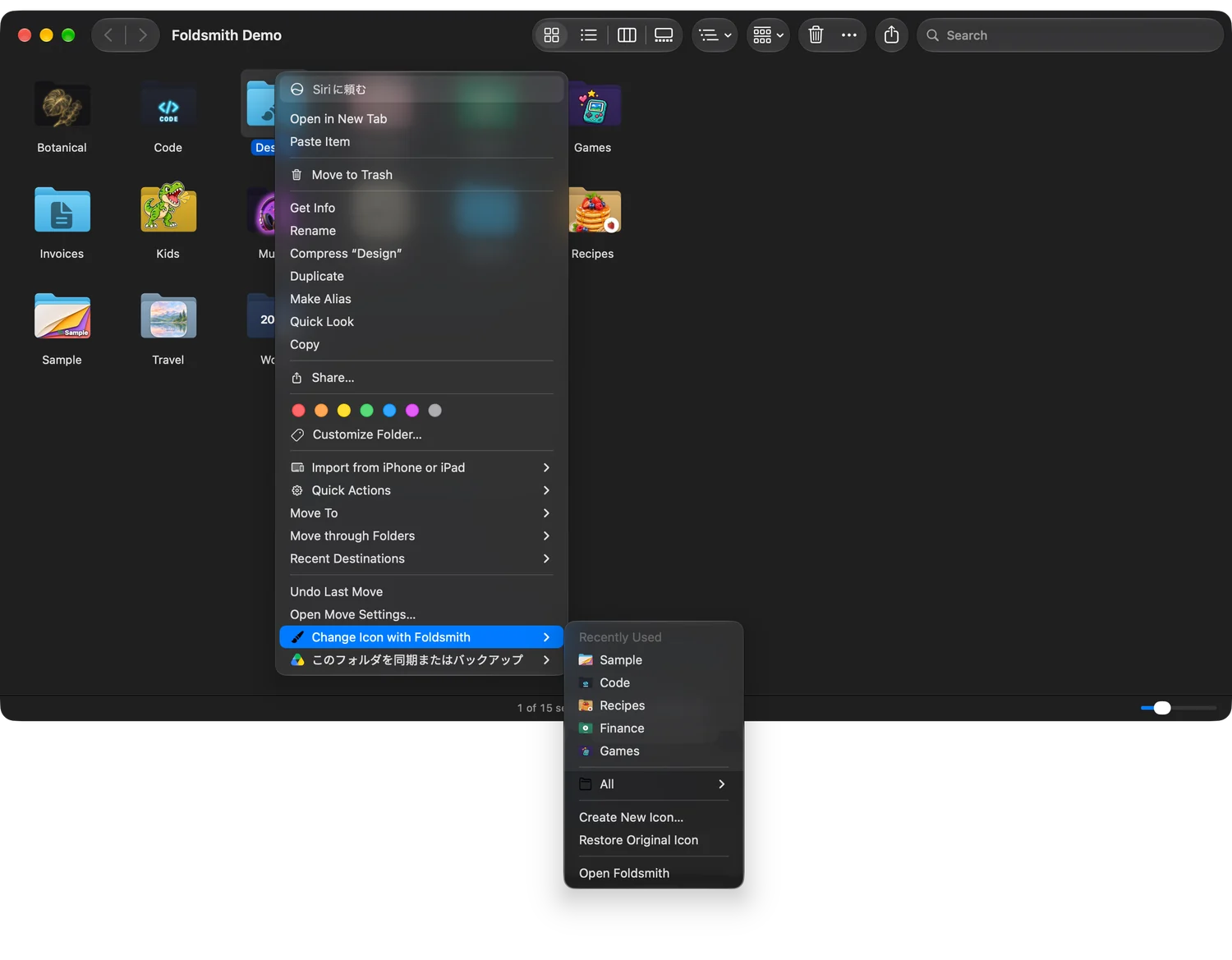
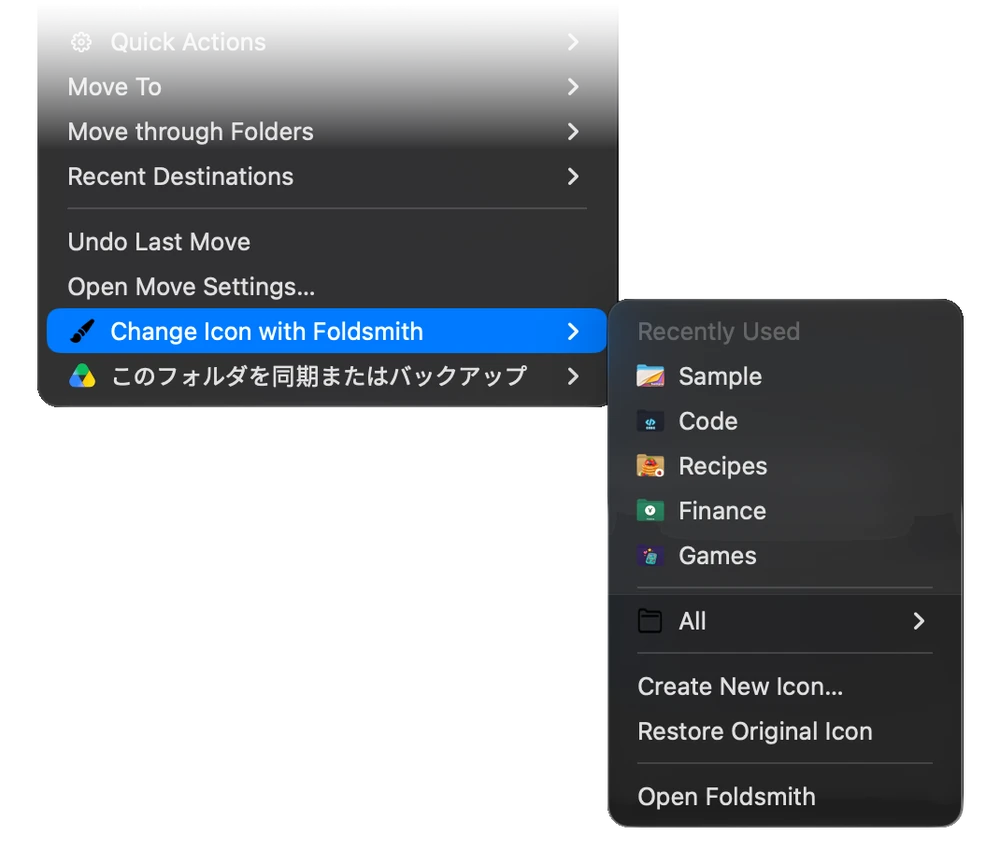
Right-clicking a folder in Finder and choosing an icon from “Change Icon with Foldsmith”

Right-click

Change an icon with one right-click

In Finder (Mac) or File Explorer (Windows), right-click a folder → Change Icon with Foldsmith → pick an icon. On Mac, files work the same way. Choose Restore Original Icon from the same menu to go back at any time.

Stays in sync

Keeps up with how your Mac's folders look

On macOS 27, folders change color with the Folder color setting in System Settings, and show a sheet of paper when they have items inside. Icons applied with Foldsmith are redrawn to match, automatically — right away if you let Foldsmith run quietly at login, or the next time you open it if you don't.

Compare

How it differs from a pasted picture

Compared on macOS 27: An icon made by pasting a picture in Get Info stays exactly as it was pasted. A Foldsmith icon changes like a regular Mac folder does — both its color and whether it shows items.

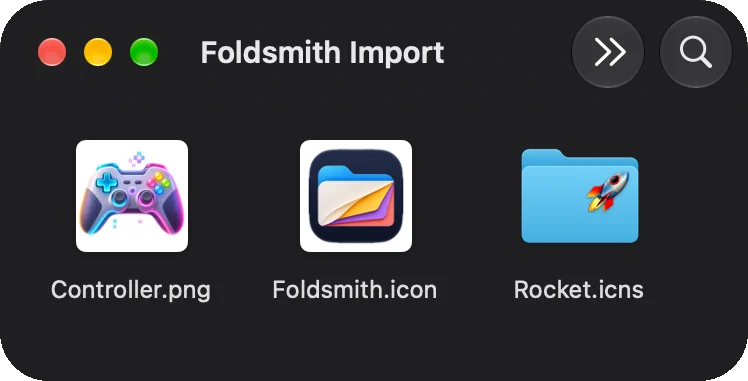
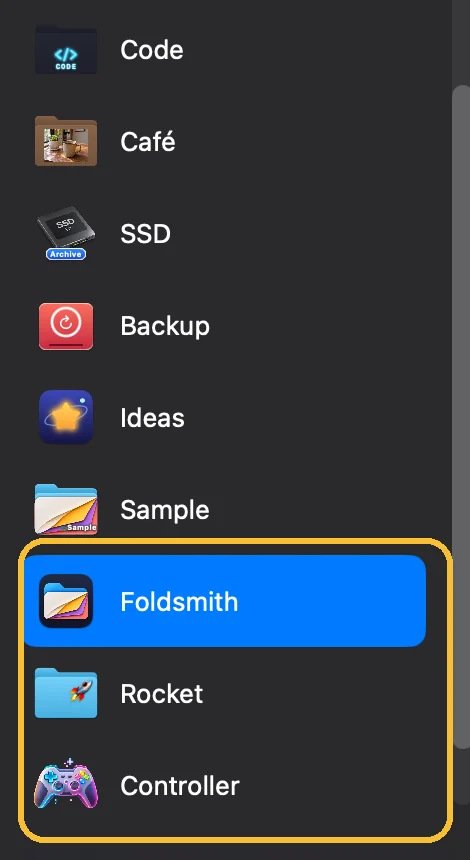
Three icon files in Finder imported into Foldsmith's list→

Import

Bring the icons you already have

Drop images, .icns files, app icons or Icon Composer .icon files onto the list to import them. Imported icons come in as a single picture, so they don't change between full and empty.

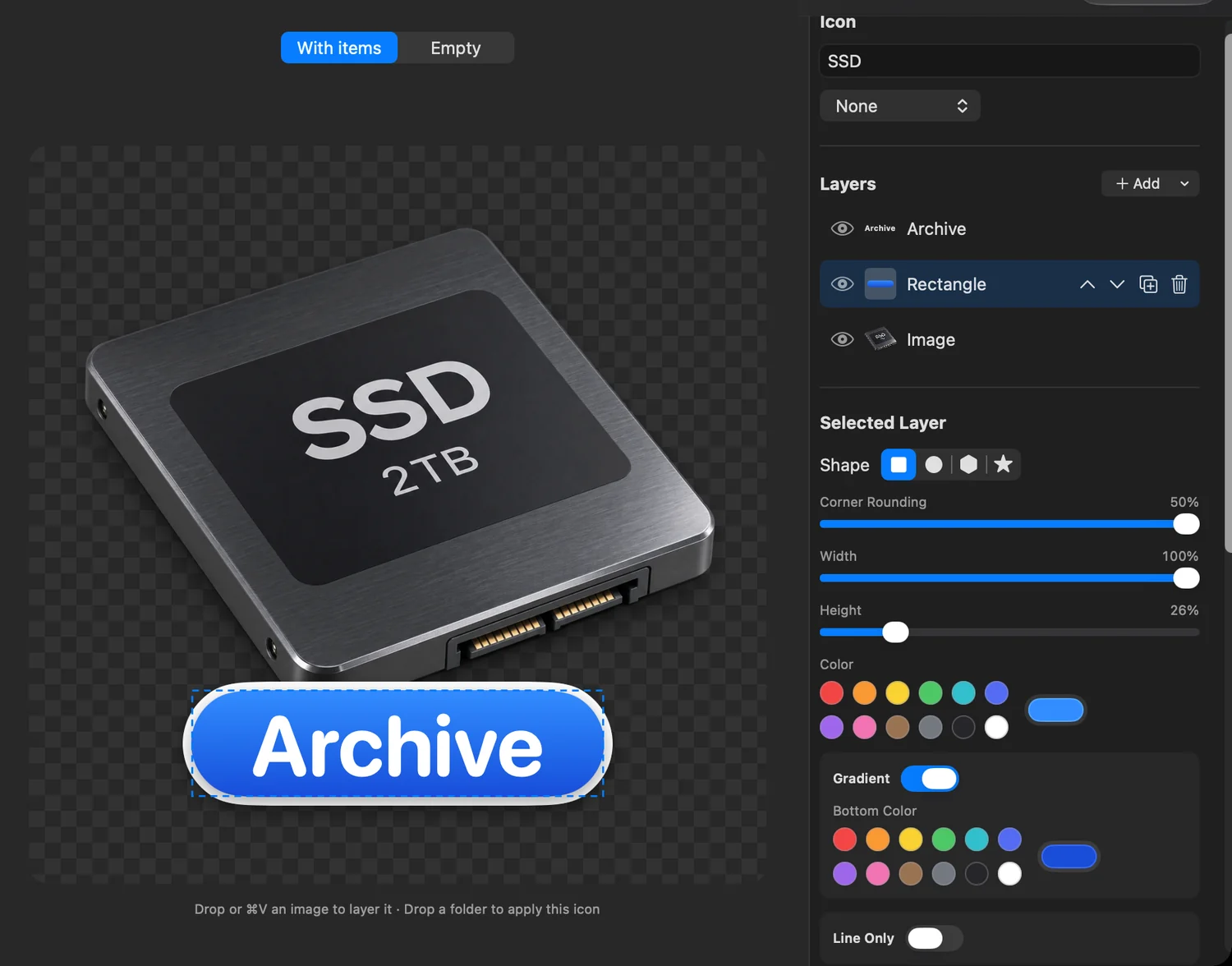
Foldsmith's editor with a shape and a text label stacked on an SSD picture

Layers

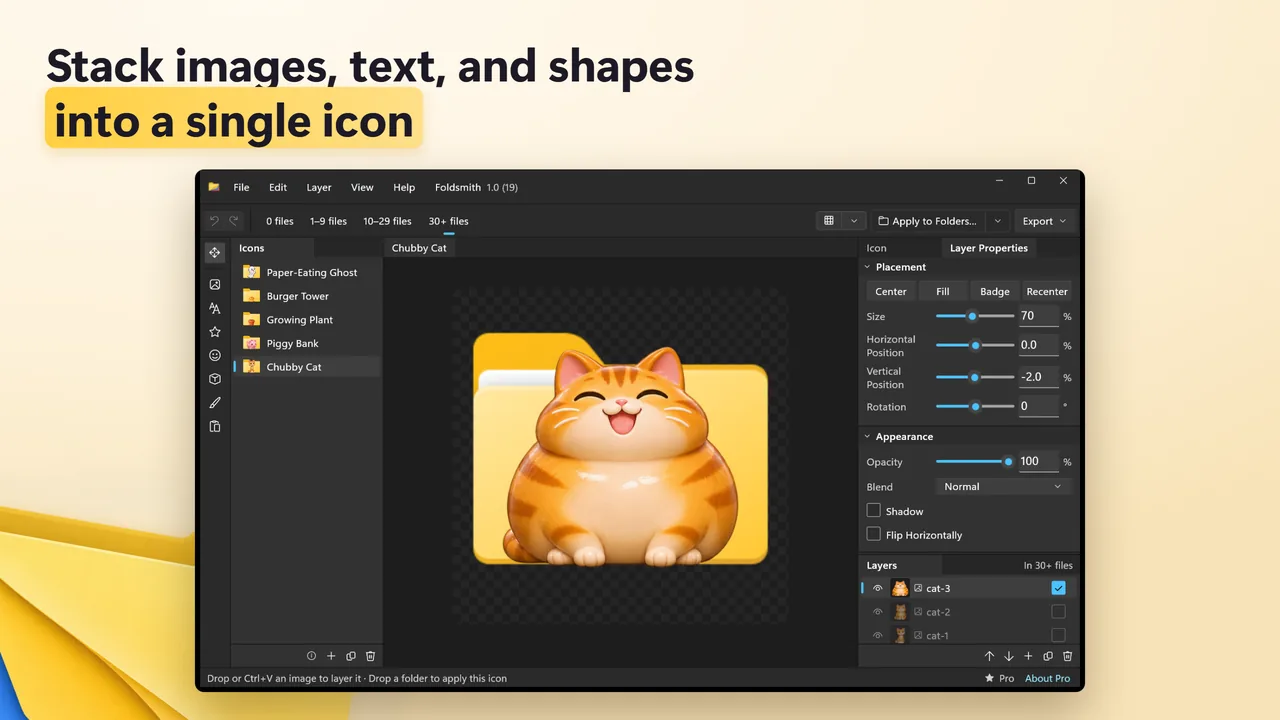
Stack images, text and shapes

Start from a standard or colored macOS folder and stack images, SF Symbols, emoji, text and shapes as layers. Use any installed font, with outline and glow. Blend modes such as Multiply let a mark take on the folder's color.

Finishing touches

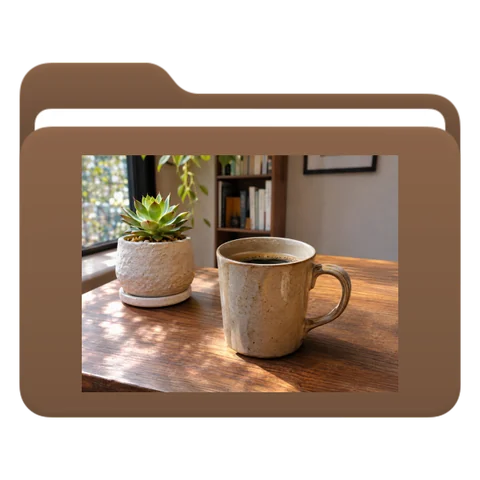
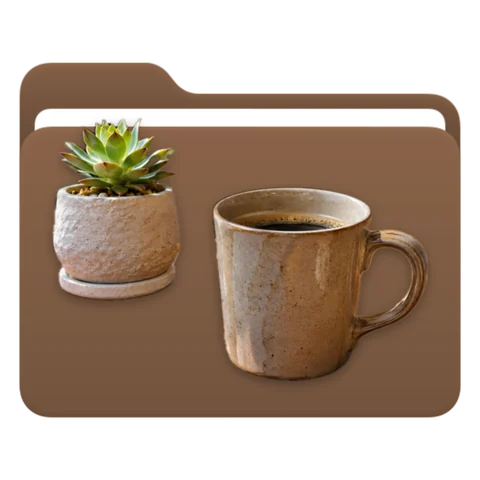
Remove backgrounds and let art peek out

Remove a photo's background automatically and touch up leftovers with the eraser. Folder Mask keeps art inside the folder's shape, or lets it peek out above the top.

There is a Windows version too

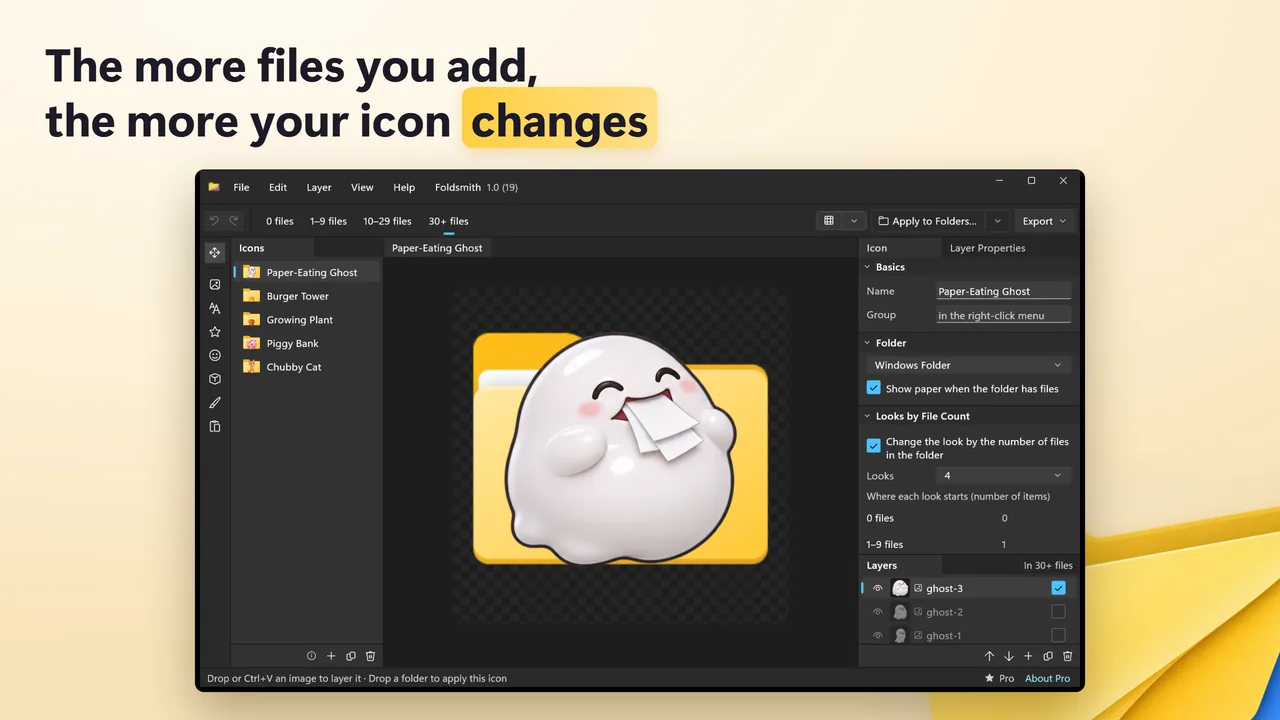
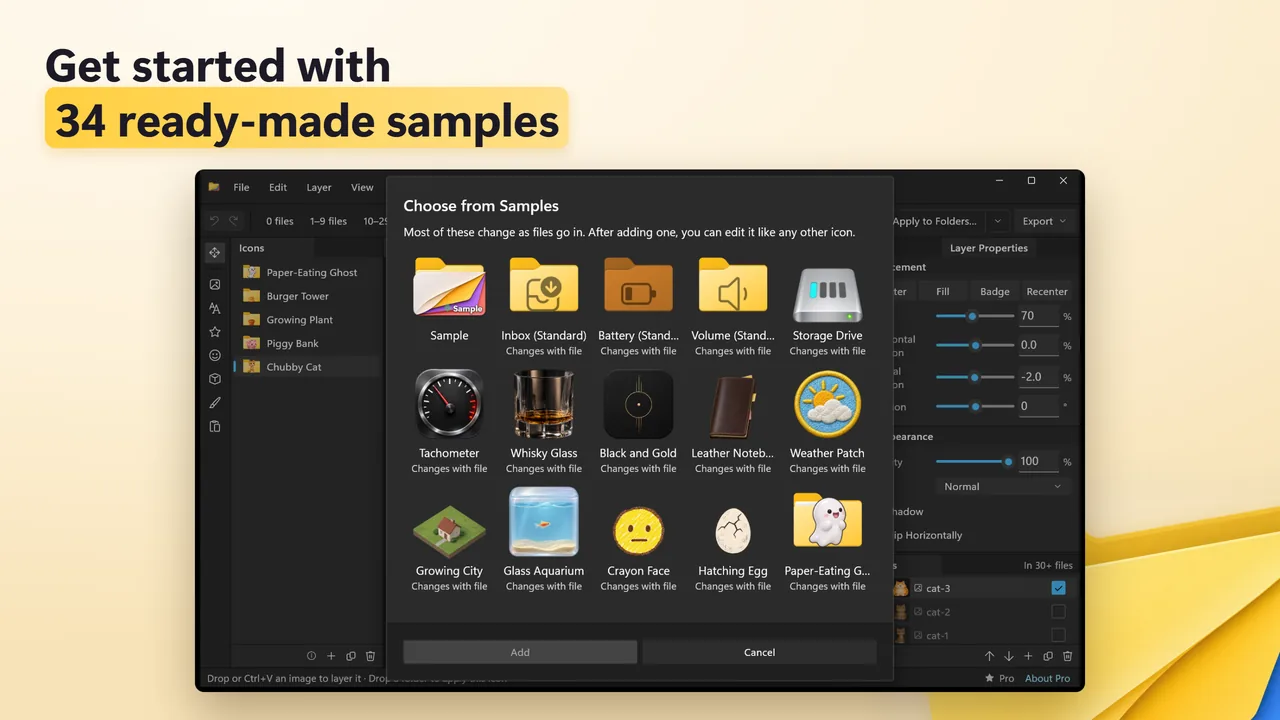
On Windows 11, right-click a folder in File Explorer → Change Icon with Foldsmith. The layer editor, looks that change with the number of files, 34 ready-made samples, importing images, .ico, .icns and app icons, and exporting PNG and ICO all work the same as on Mac. The free version has 3 icon slots; Pro (one-time purchase) removes the limit.

On Windows, Foldsmith changes folder icons (not files). Following the folder color automatically and removing photo backgrounds are Mac-only features.

There is a Windows version tooThere is a Windows version tooThere is a Windows version tooThere is a Windows version too
Get it from Microsoft

Free and Pro

The free version includes 3 icon slots (deleting an icon doesn't free a slot). Foldsmith Pro, a one-time purchase, removes the limit.

FAQ

Which Macs does it work on?

Macs running macOS 14 or later. The Windows 11 version is available on the Microsoft Store. There is no iPhone or iPad version.

Can it change any folder?

On Mac, it can change folders and files inside the folders you allow Foldsmith to use (such as your home folder). Under App Store rules, it can't change anything outside the places you allow. On Windows, it can change any folder you right-click in File Explorer (not files).

Can I go back to the original icon?

Yes. Choose Restore Original Icon from the right-click menu in Finder (Mac) or File Explorer (Windows) at any time.

Are my icons or pictures sent anywhere?

No. Your icons and pictures are stored only on your Mac or Windows PC and are never sent to the developer's servers. Background removal on Mac also runs on your Mac. There are no ads and no usage analytics.

When I change the folder color, do my icons update right away?

On macOS 27, if you let Foldsmith run quietly at login, it redraws them right away. If not, it brings them up to date the next time you open Foldsmith.

Do imported icons change between full and empty?

No. Imported icons come in as a single picture, so they stay the same. Icons you make in Foldsmith do change.