Routines
Keep habits by weekday or time of day. Weekdays only, Mon/Wed/Fri, every other week, monthly — repeats are flexible.
e.g. Tue 7:30 burnable trash / Daily 23:30 time for a bath
Mellow, not managed.
Not worth a calendar entry.
Still worth remembering.
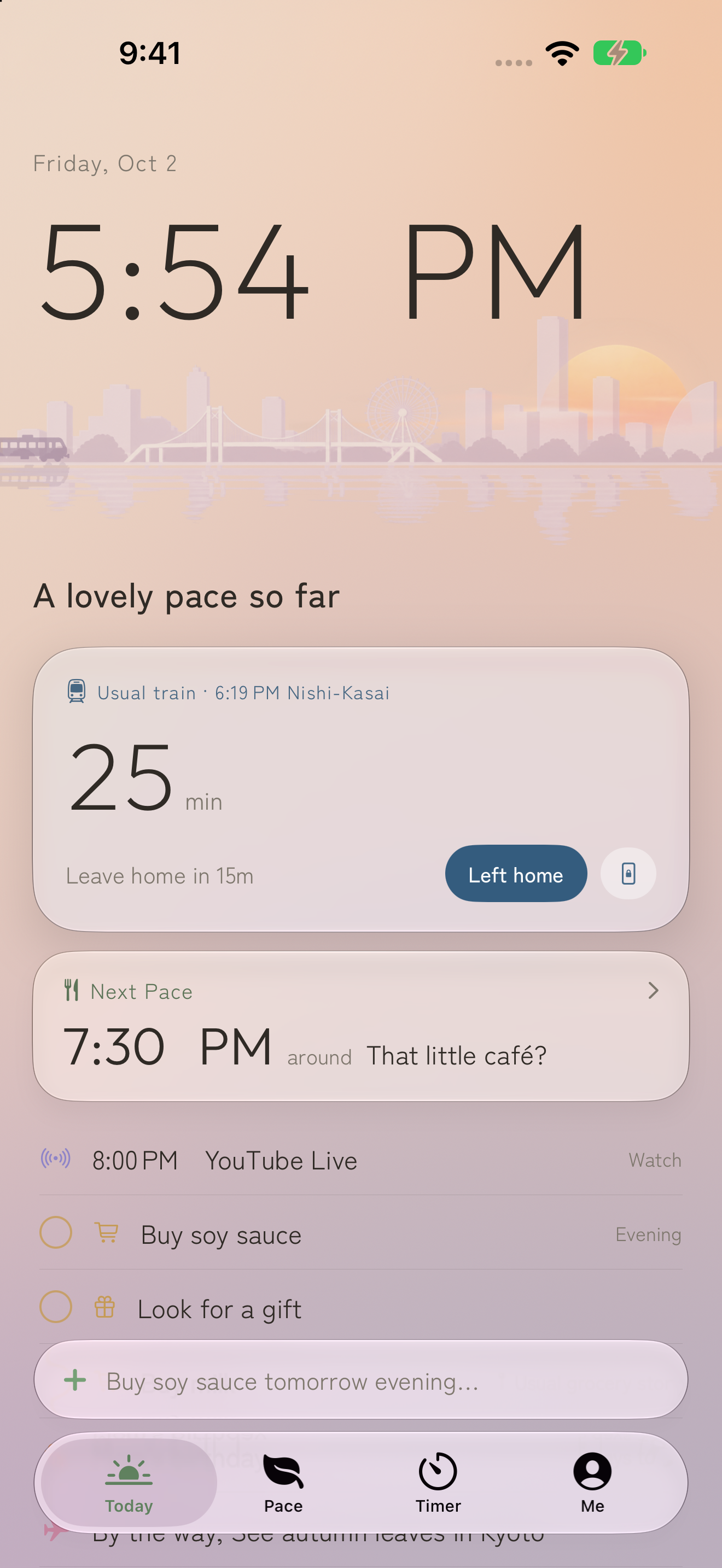
Trash day, a stream you don't want to miss, your usual train, a quick errand. A little time to focus, a little time away from your phone. MellowPace gently arranges the parts of daily life that don't belong on a calendar.
Idea
Things that don't need deadlines or completion rates, but that you'd be glad to remember. MellowPace never scolds you for what you didn't do. It just shows you how today is flowing.
Features
No separate apps for each feature. What matters now shows up large; everything else sits lightly as a single line.
Keep habits by weekday or time of day. Weekdays only, Mon/Wed/Fri, every other week, monthly — repeats are flexible.
e.g. Tue 7:30 burnable trash / Daily 23:30 time for a bath
Set them loosely: “this evening,” “this weekend.” Done, skip this time, or push to tomorrow all carry the same weight.
e.g. Buy a light bulb / Return a book / Book a haircut
Streams and TV, with alerts 30 minutes before, 5 minutes before, and at the start. Add a URL and open it straight from the notification.
e.g. Every Wednesday 21:00 YouTube Live
How many minutes until your usual train, together with when to leave home. Miss it, and it quietly switches to the next one.
e.g. Weekdays 8:00, leave 10 minutes before
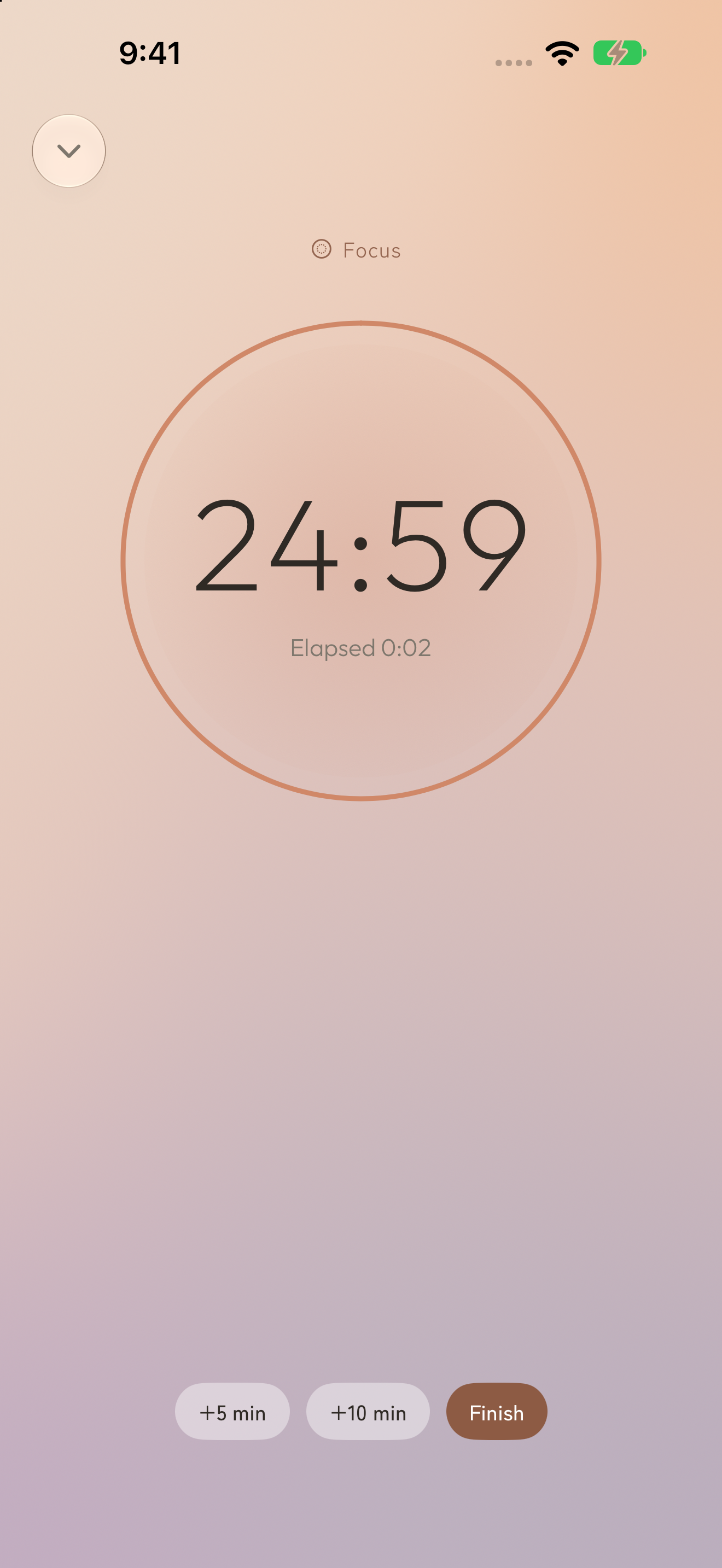
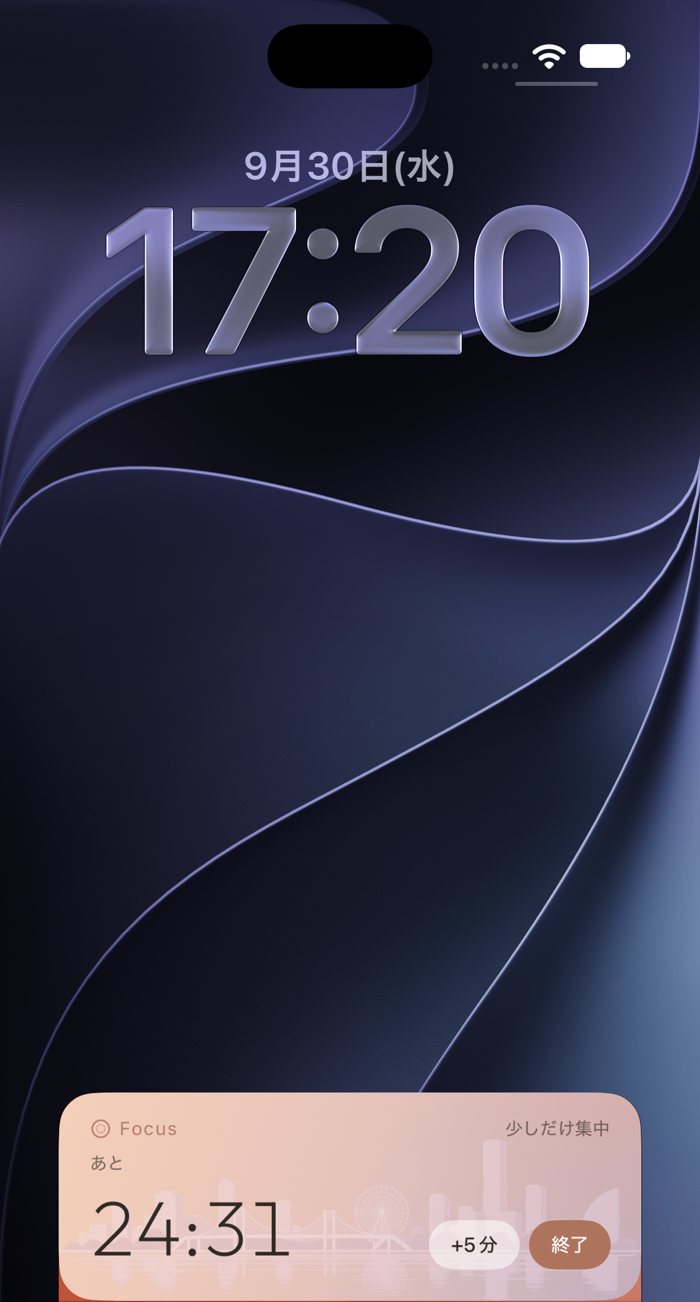
A timer you can start without deciding what to do. Stop early, and it still counts what you did.
e.g. Focus 25 min / Detox 30 min
Places to go, movies to see. It gently reminds you months later. And on anniversary nights, fireworks light up the sky.
e.g. Someday: autumn leaves in Kyoto / Wedding anniversary
Focus · Detox
Twenty-five minutes before starting work. Thirty minutes away from your phone before bed. Start right where you are, without choosing a task.
End early, and the time you spent still counts. Choose a length that fits today.
Natural input
Enter basic dates, repeats and Focus or Detox durations in Japanese, English, French, Traditional Chinese, Korean or Spanish. On supported iPhones, on-device AI can help when the model and selected language are available.
Review the result and adjust its date or type before saving. Ambiguous phrases can be kept as a Thing with your original words. Complete understanding of every phrase or date is not guaranteed.
Time of day
The background is the sky of the current time of day. Colors drift slowly; at night, city lights and that night's real moon phase appear. Home Screen widgets share the same sky.
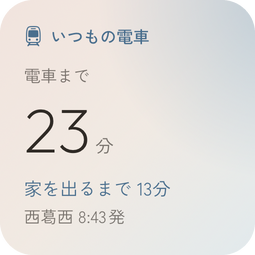
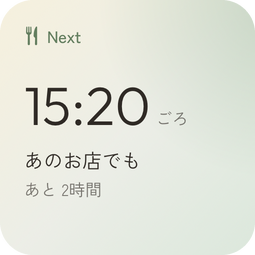
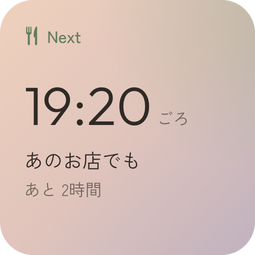
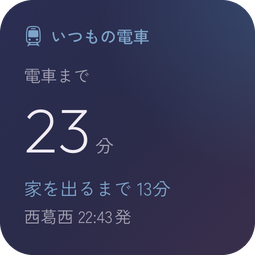
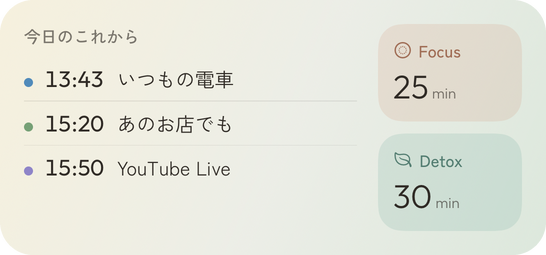
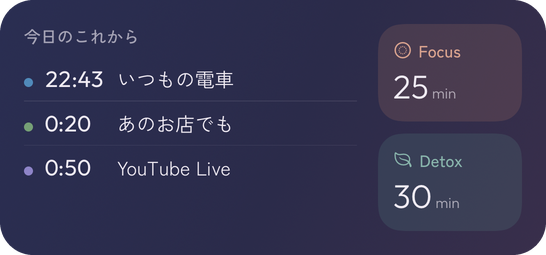
Widget and Lock Screen images show Japanese examples.
Live Activities
Widget and Lock Screen images show Japanese examples.
Apple Watch
Your iPhone day, on Apple Watch too. Glance at your departure and what comes next before reaching for your phone.
See your usual departure and upcoming moments. Mark a Thing done, move it to tomorrow or let it go from your wrist.
Check the time left in Focus or Detox, and start, extend or finish a timer.
Send words to your iPhone using system dictation or Siri. Your paired iPhone handles interpretation and saving.
Requires an iPhone with iOS 26 or later and a paired Apple Watch with watchOS 26 or later and the Watch app installed. Your iPhone holds the primary data; updates depend on the connection.
Nightstand
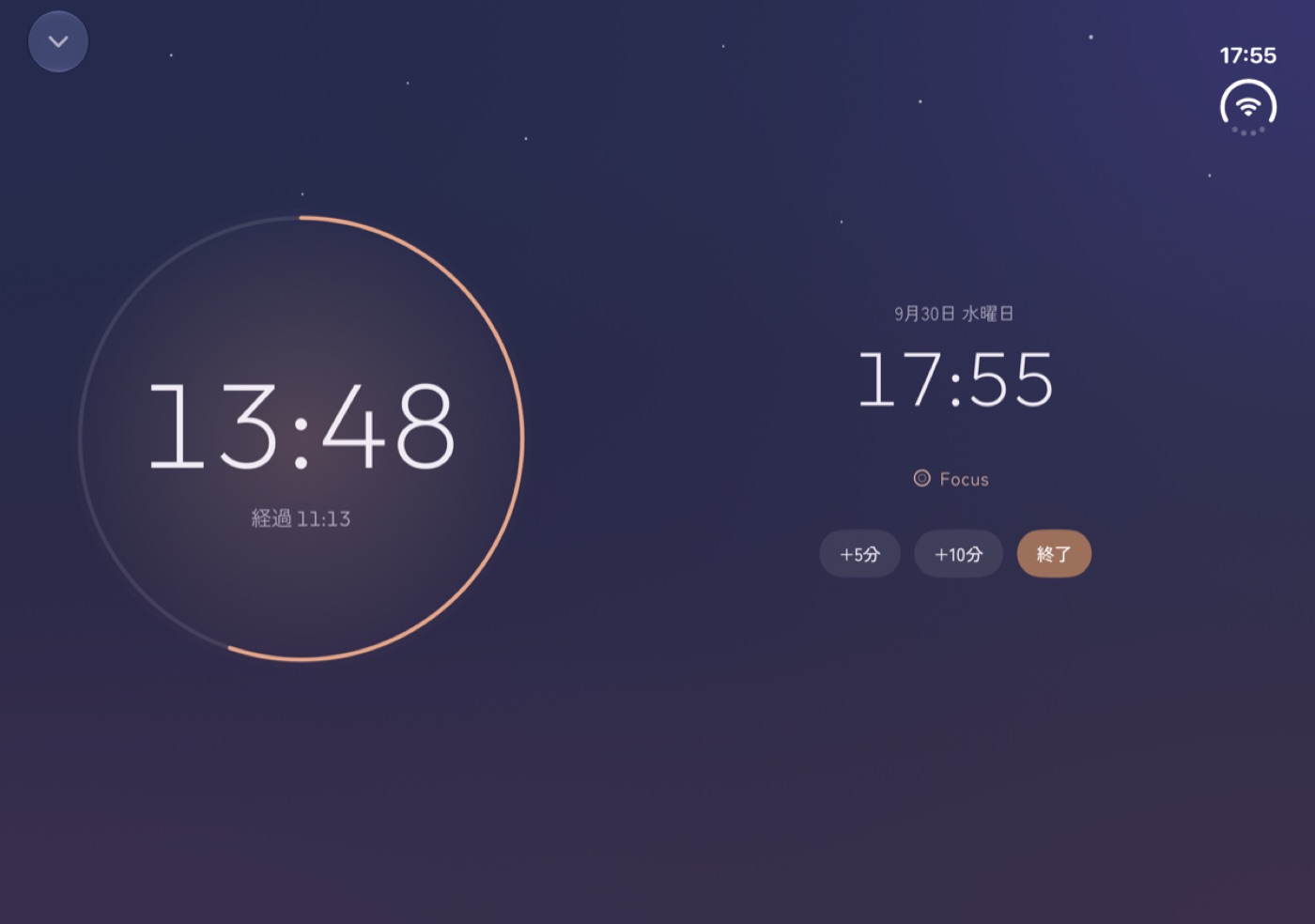
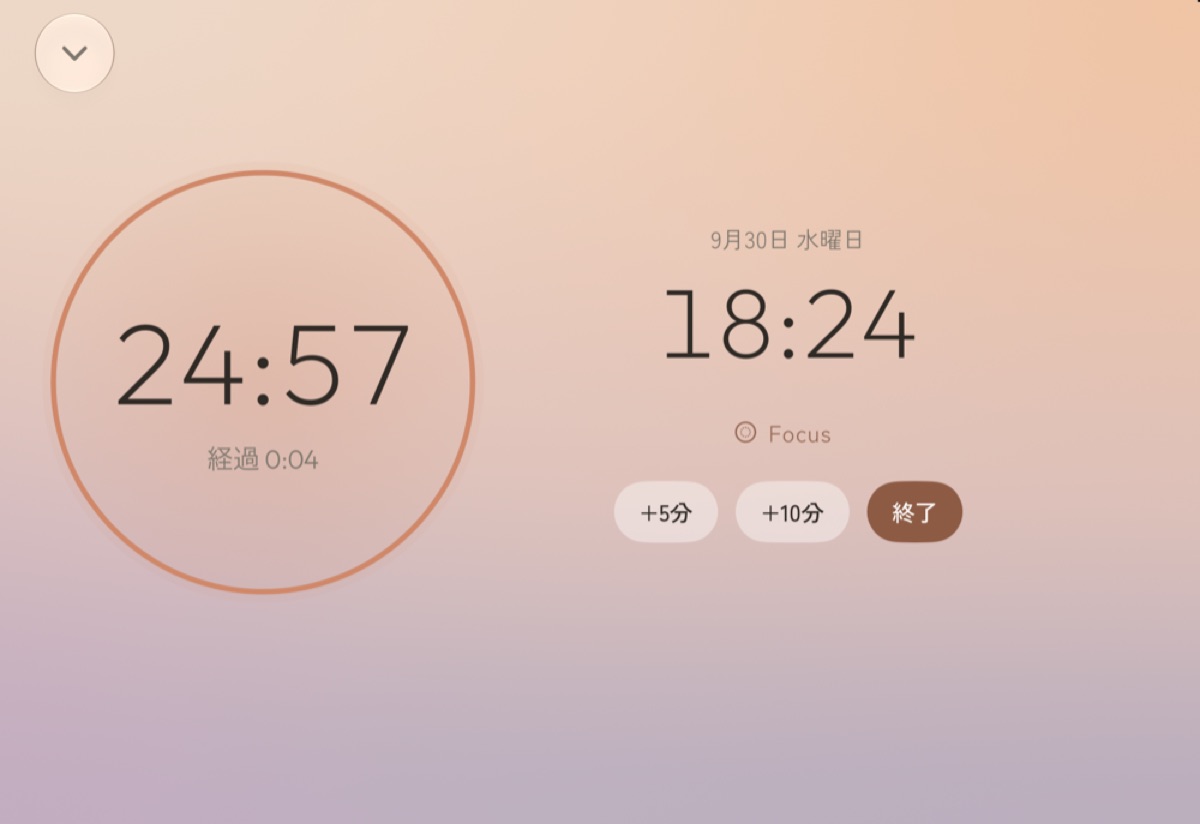
Charge it on its side and the time left sits large next to the time now. Detox before bed, the train you scheduled in the morning. In a dark room, iOS switches to a calm red display.
A layout that follows the Duo fold is in development in the 27.1 beta environment. The regular build adapts to screen width and does not enable fold-aware placement. The images below illustrate the layout.
Tone
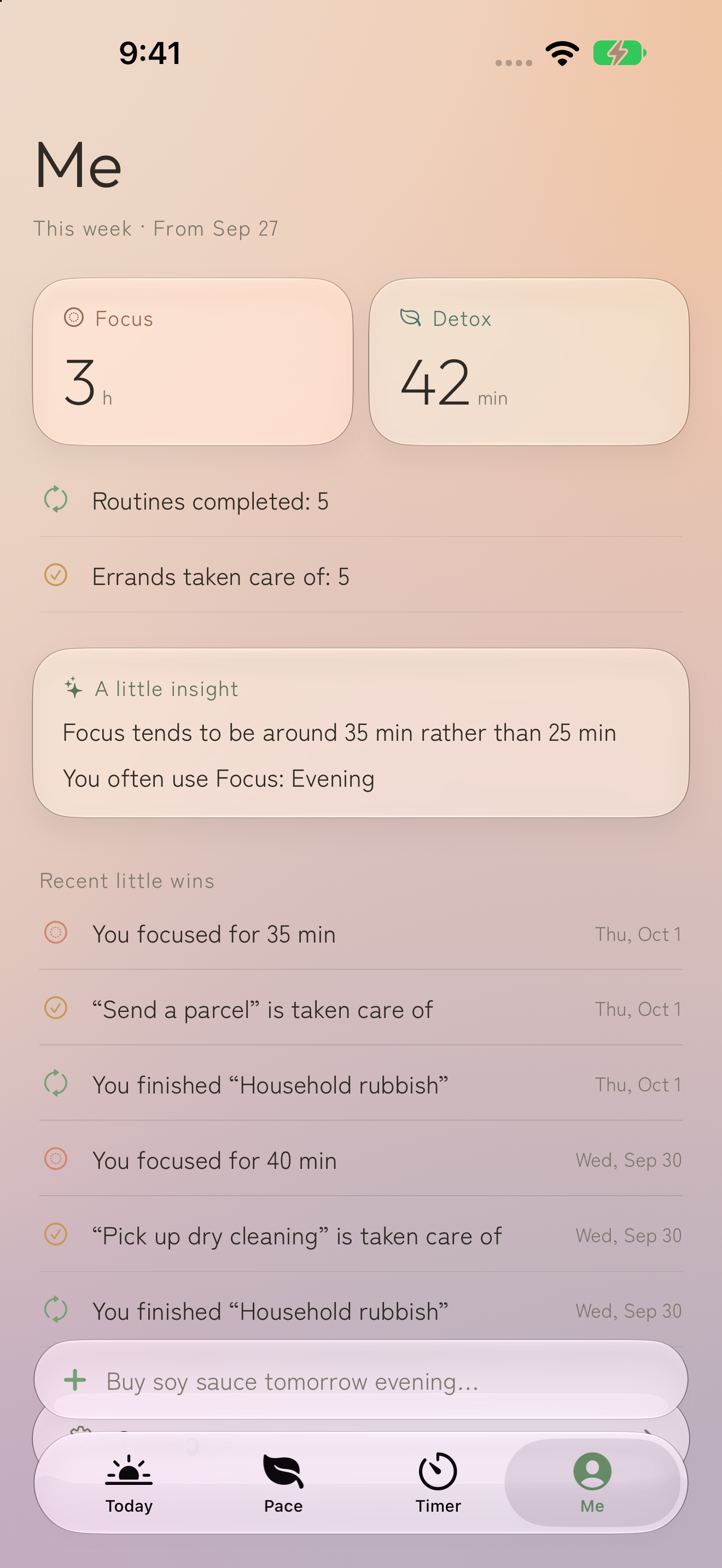
No completion rates, no streaks, no red warnings. It picks up what you did, and makes the next time a little easier. The Me screen shows this week's time and small insights, not grades.
Privacy
Schedules, errands, and your Focus and Detox records are all stored on your iPhone. No account needed. Dates and repeats are calculated precisely by the app, not guessed by AI.
Pricing
Use every feature. A subtle banner ad appears on the Today, Pace, and Me screens. No ads on Focus and Detox screens, the Lock Screen, or widgets.
One purchase removes all ads from the app.
*Ads are shown without personalization. Prices vary by region.
Requires iOS 26 or later. On-device AI is optional help when the device, model and language are supported. Rule-based input and basic features remain available without AI.