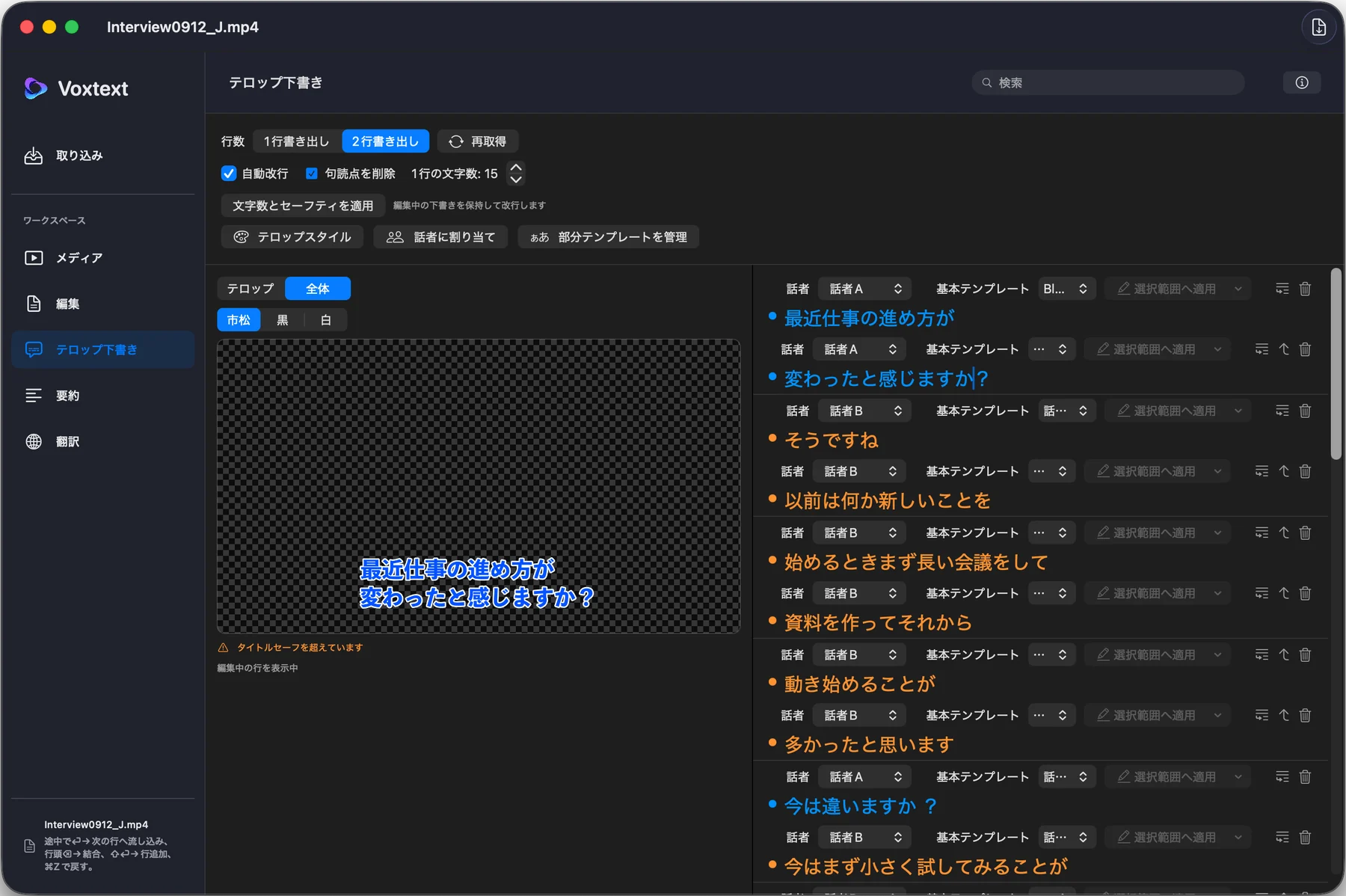
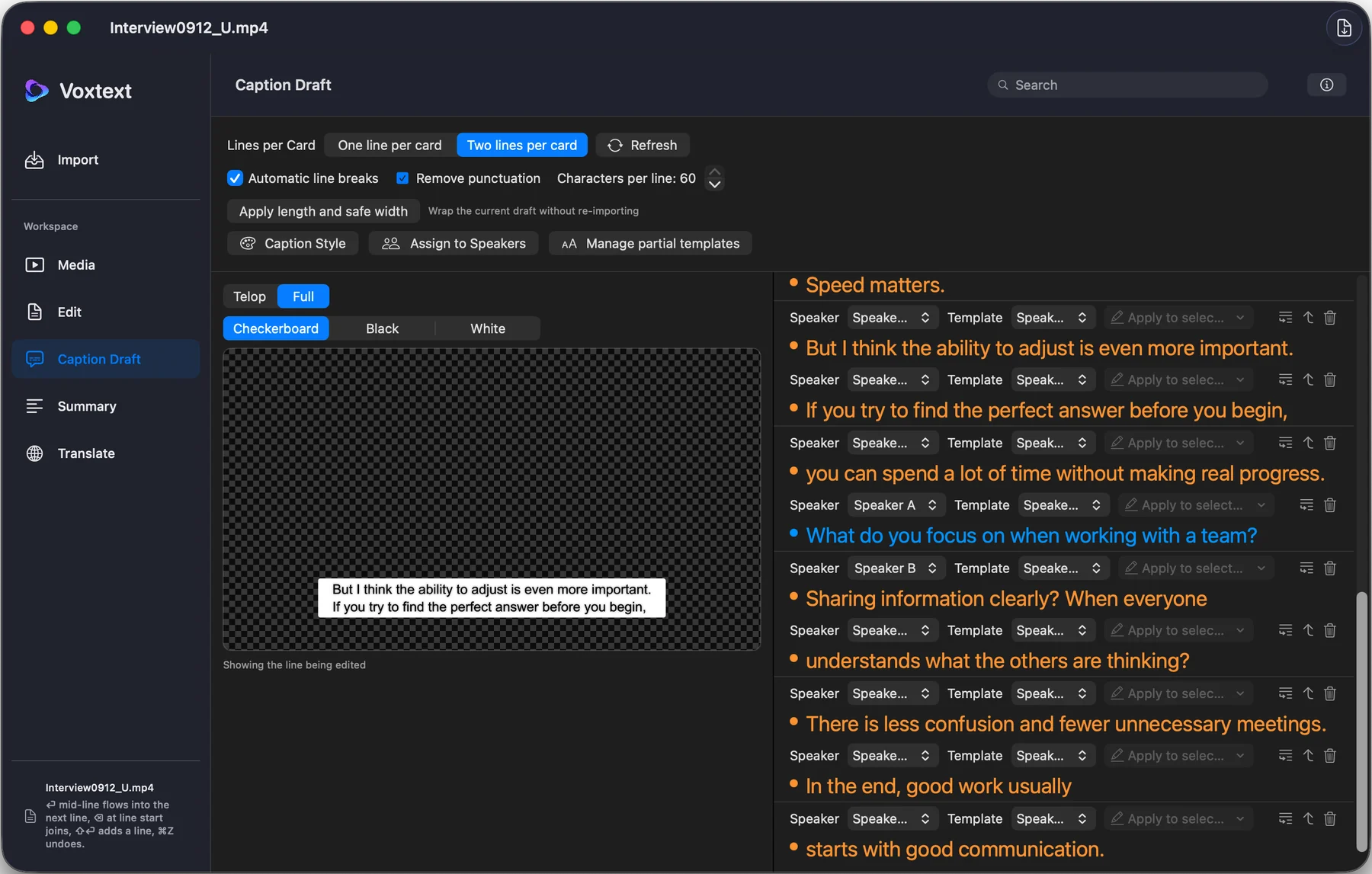
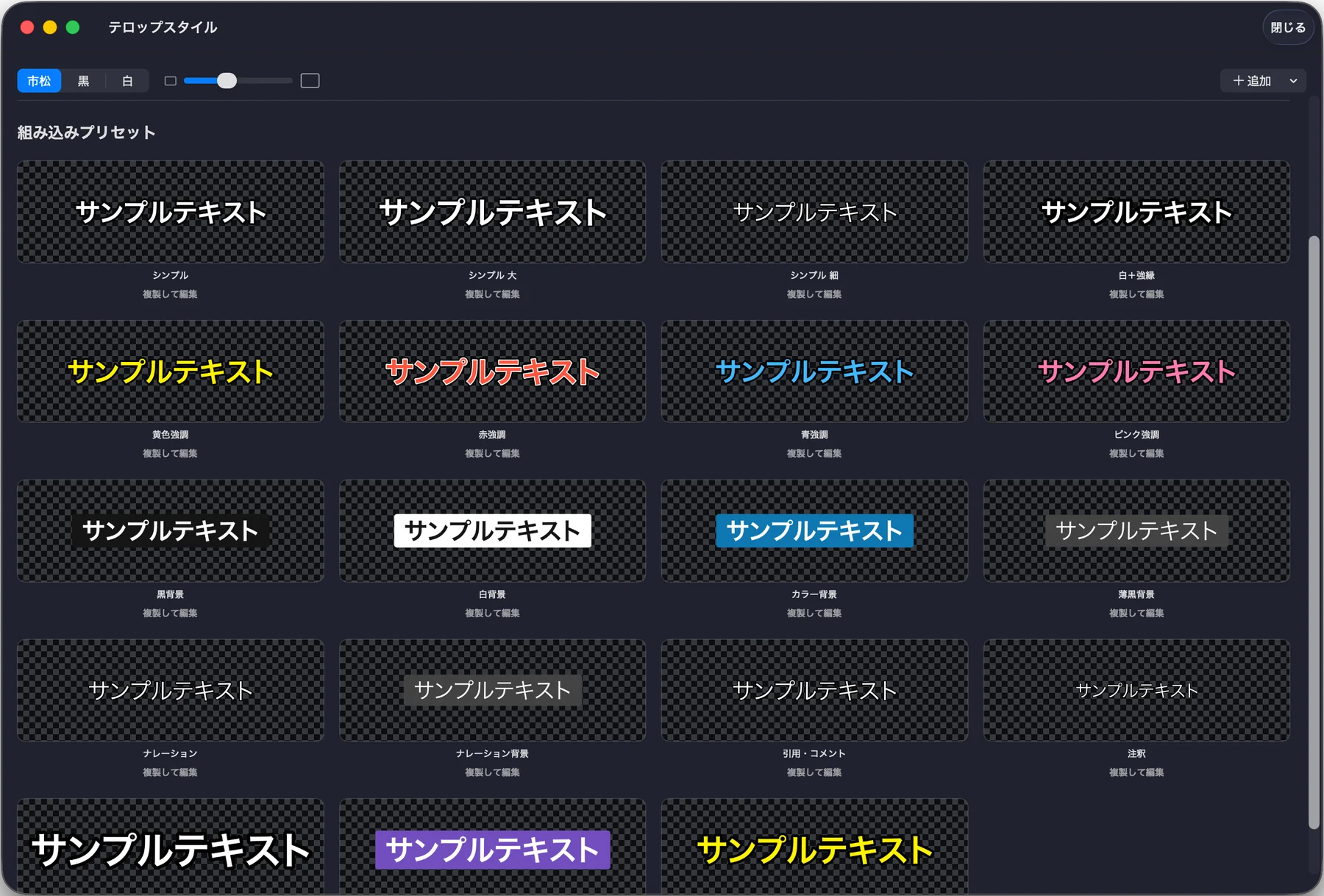
話したことが、そのまま形になる。 Say it. See it, instantly.
Voxtextは、音声・動画をその場で文字にするアプリです。
会議、インタビュー、講義、電話の録音——
文字起こしから話者ごとの色分け、翻訳、要約まで、すべて端末内で完結します。
インターネット接続は不要。音声データが外部に送られることもありません。
iPhone・iPad・Macに対応。
Voxtext turns audio and video into text, right on your device.
Meetings, interviews, lectures, phone recordings —
transcription, per-speaker color-coding, translation, and summarization all happen locally.
No internet connection required, and your audio never leaves your device.
Available on iPhone, iPad, and Mac.
Appleの音声認識をそのまま活用。読み込んだ音声・動画が、その場でテキストになります。通信環境がなくても使えます。 Powered by Apple's own Speech framework. Your audio or video becomes text right away - no network connection needed.
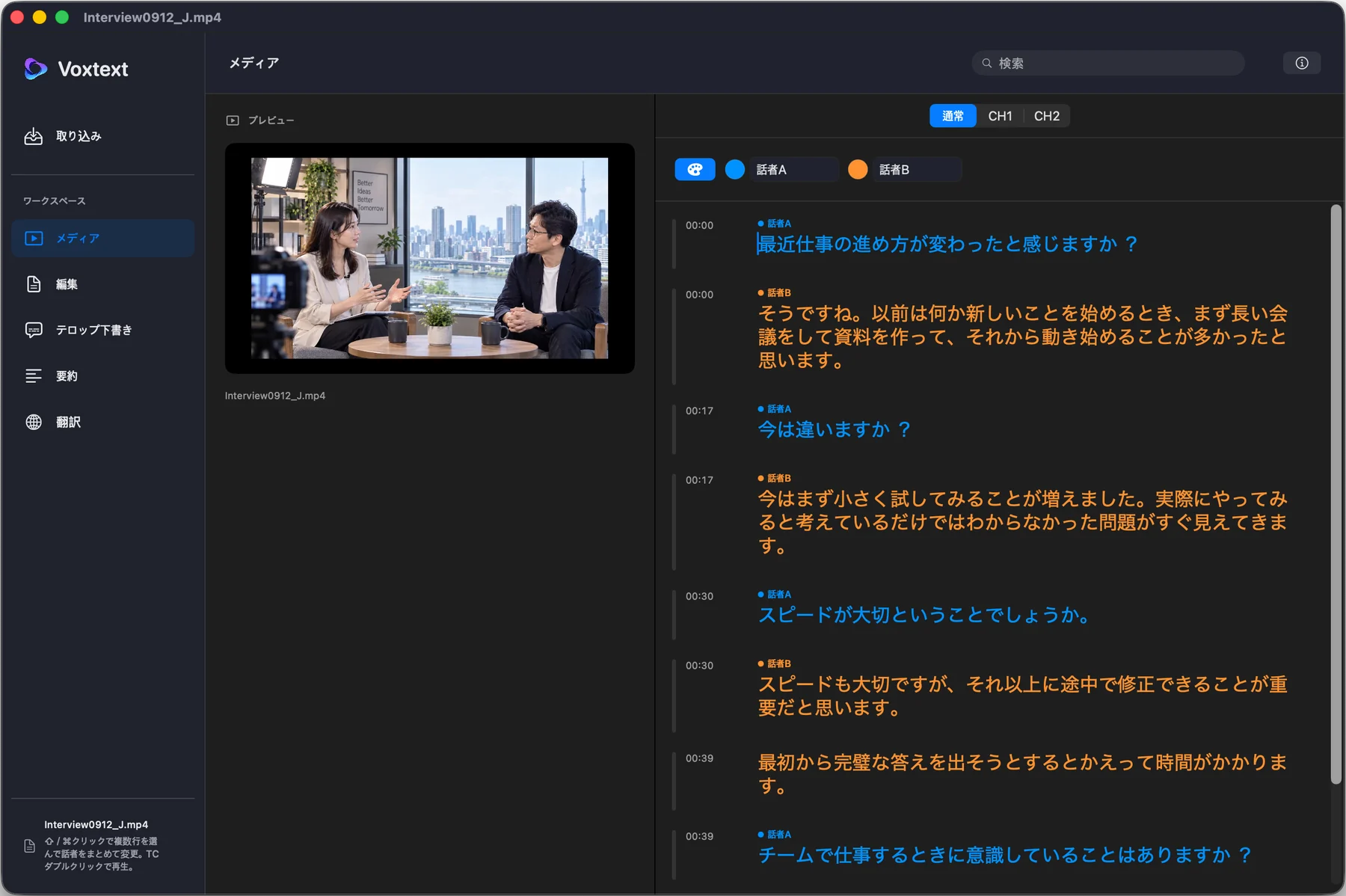
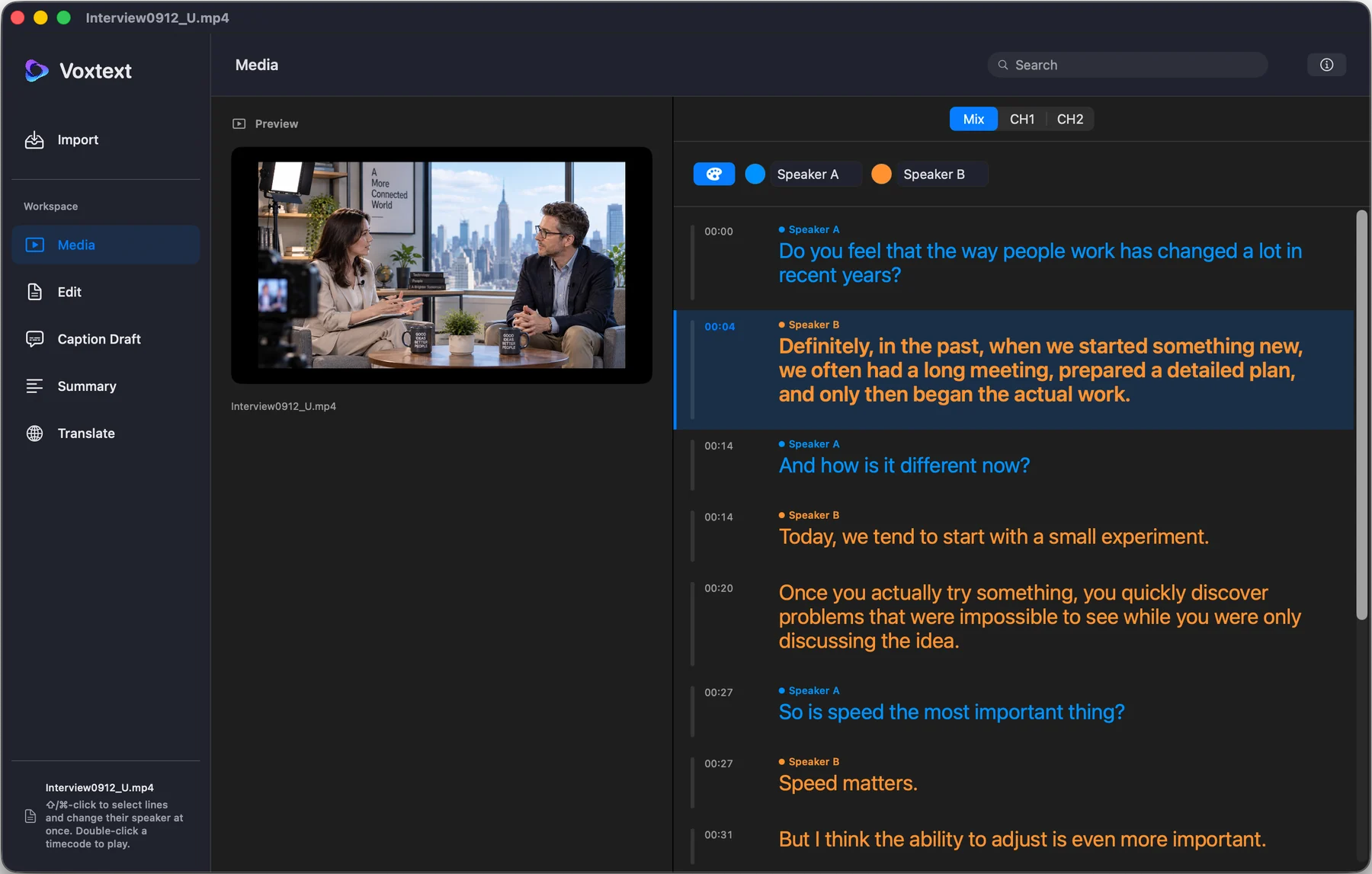
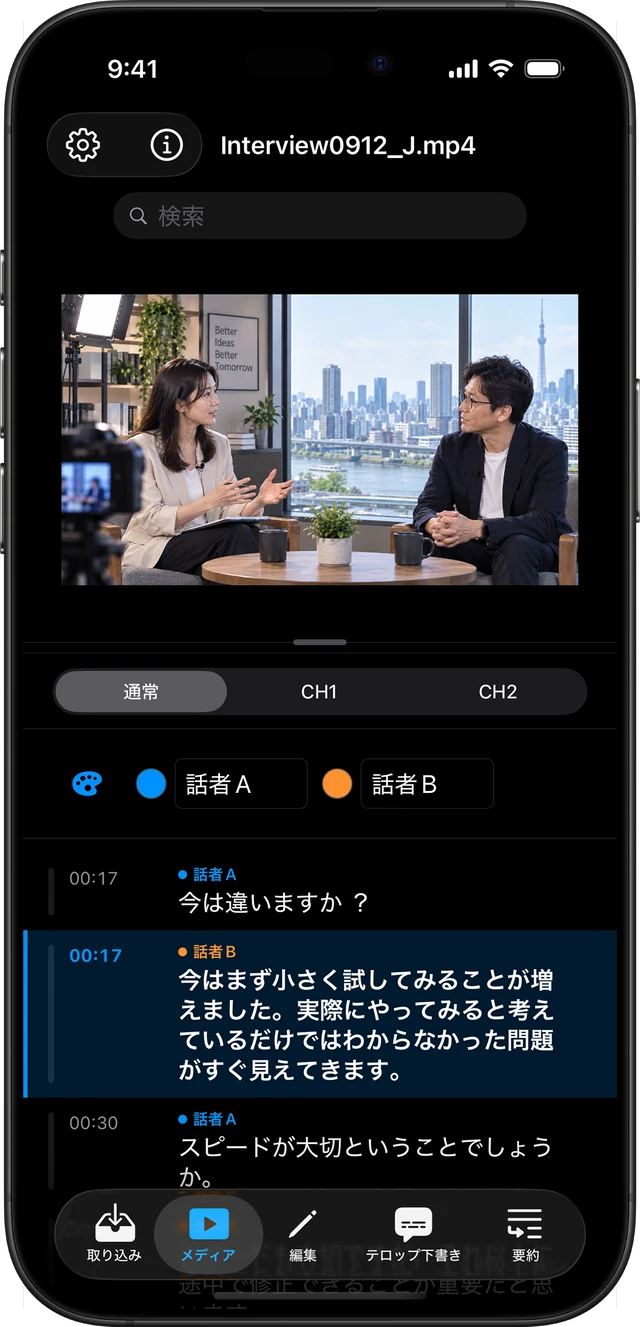
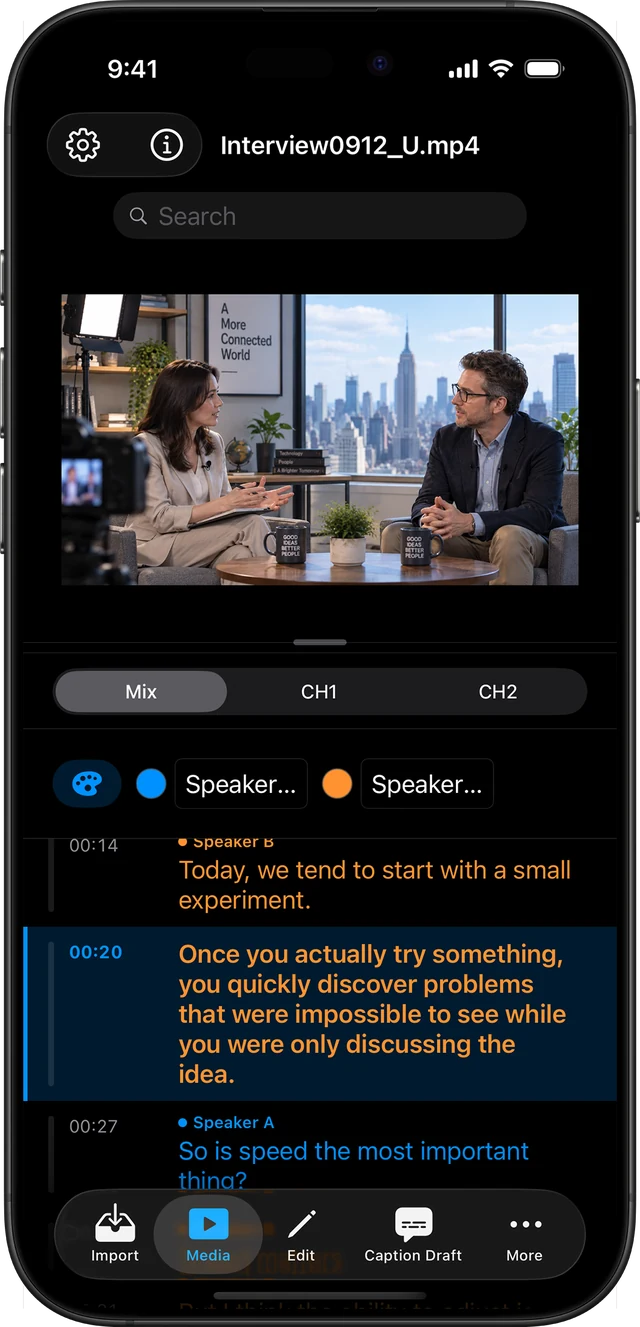
文字起こし完了後、自動で「誰がいつ話したか」を分析。話者ごとに名前と色を付けて表示します。認識が違う場合は行ごとに手動で直せます。 Runs automatically right after transcription, identifying who spoke when. Each speaker gets a name and color - and you can reassign any line by hand if it gets it wrong.
メディアタブでは、再生に合わせて話している行がハイライトされます。文章はその場で直接編集でき、Enterキーで行を分割、長押し(Macは右クリック)で話者を変更できます。 The Media tab highlights each line as it's spoken. Edit the text directly, split a line with Enter, or long-press (right-click on Mac) to reassign its speaker.
編集タブでは文字起こし全体をテキストとしてまとめて編集できます。タイムスタンプ・話者名の表示はボタンでON/OFF、検索で該当箇所へジャンプできます。 The Edit tab lets you work with the full transcript as plain text. Toggle timestamps and speaker labels on or off, and jump straight to any word with search.
Apple Intelligenceを使って、文字起こし内容をその場で要約。長い会議や講義も、要点だけをすぐに把握できます。 Apple Intelligence summarizes your transcript on the spot - get the key points from a long meeting or lecture in seconds.
言語を選ぶだけで翻訳が始まります。複数の言語を同時に開いて、タブの中で切り替えながら見比べられます。 Pick a language and translation starts right away. Open several languages at once and switch between them in tabs.
テキスト・Word・Markdownは文書に、SRT・VTTは動画編集ソフトの字幕として、Excelは表計算での整理にそのまま使えます。 Plain text, Word, and Markdown for documents; SRT and VTT for video-editing subtitles; Excel for spreadsheets - export straight into whatever you're working with.
作業内容は自動でプロジェクトとして保存されます。話者情報や翻訳もまとめて保存されるので、あとで続きから編集できます。 Your work is saved automatically as a project - speaker data and translations included - so you can come back and keep editing anytime.
文字起こし・話者分析・翻訳・要約は、すべて端末内の処理です。音声データや文字起こし結果が外部サーバーに送信されることはありません。 Transcription, speaker detection, translation, and summarization all run locally. Your audio and transcripts are never sent to an outside server.